Odoo ePOS to ESC/POS Virtual Printer
Virtual Printer for Odoo - Seamless Printing to Older Ethernet Epson ESC/POS Printers
Unlock the full potential of your Odoo system with our innovative Virtual Printer software, designed specifically for seamless integration with older USB & Ethernet Epson ESC/POS compatible printers. Say goodbye to the ongoing costs of the IoT module and hello to effortless printing!
Buy Now
Features
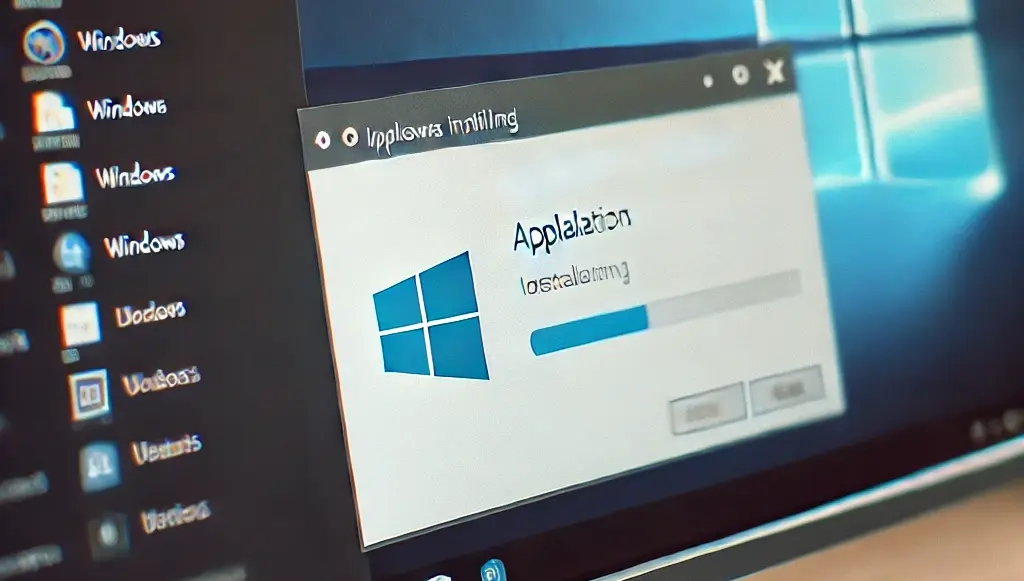
Easy Installation
Get started in minutes! Simply install the software, configure your Odoo ePOS port, and enter your ESC/POS printer's IP address and port.
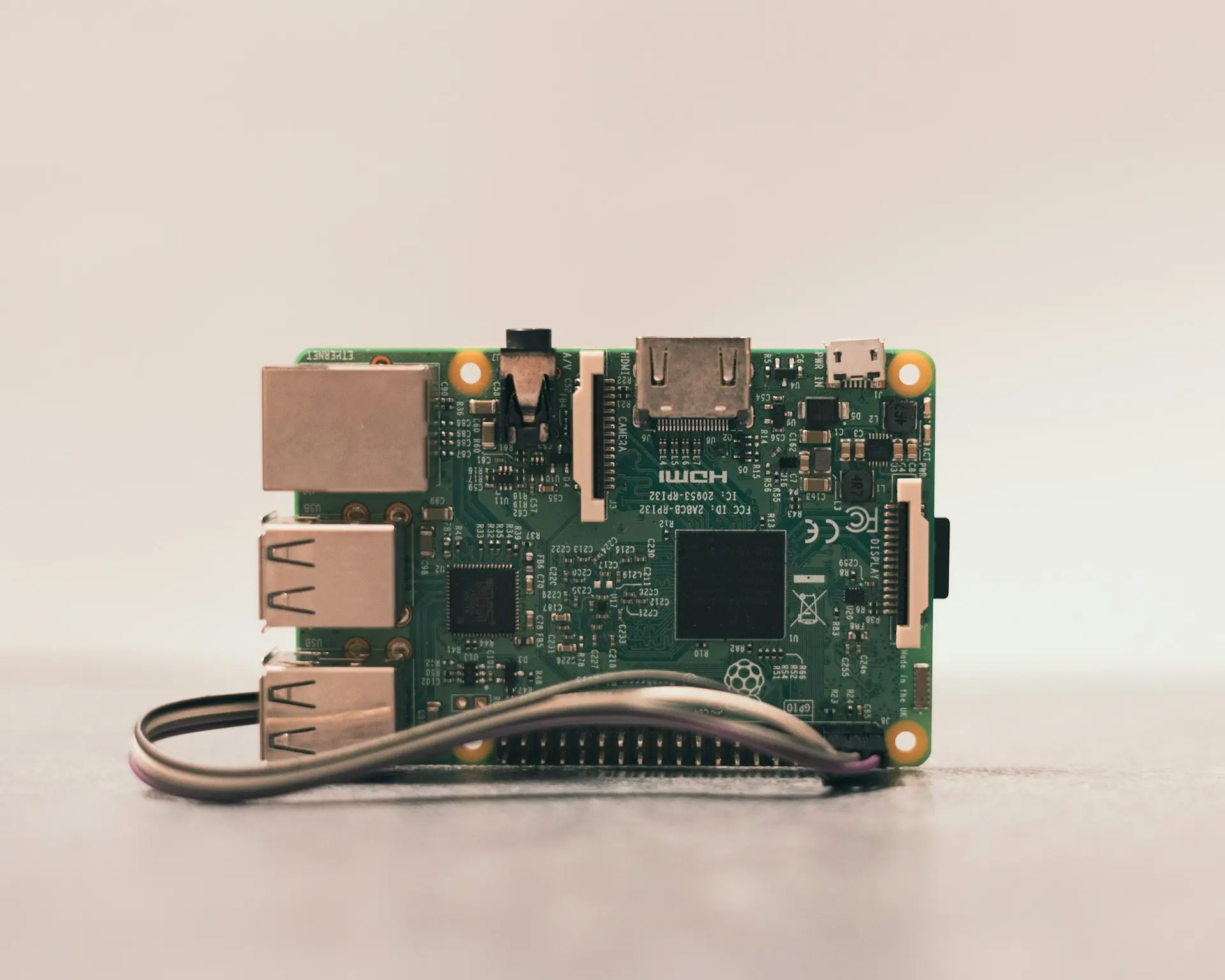
No Odoo IoT System Required
Our solution eliminates the need for the Odoo IoT System module, making it a cost-effective and straightforward choice for businesses using older ESC/POS printers.
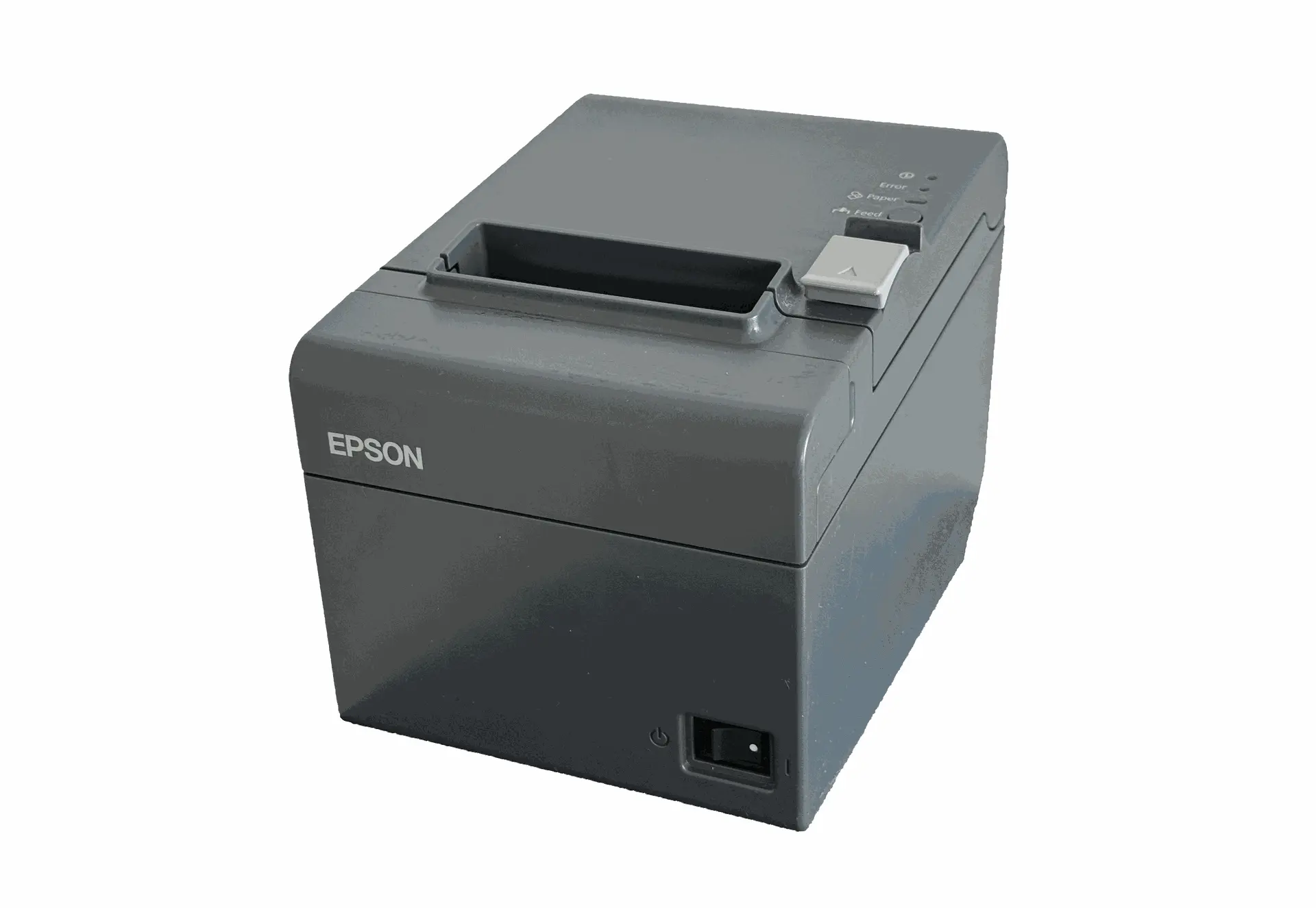
Reuse Old Hardware
Designed to work seamlessly with older USB & Ethernet Epson ESC/POS compatible printers, ensuring you can continue using your existing hardware.
Simple Setup
Install our software on a Windows 7 or later PC, connect your Epson ESC/POS printer to the network
Install the Software
Purchase & download and run the installer.
Configure the Software
Add your ESC/POS printer IP address and port.
Set Odoo to Print to it
Set Odoo to use the ePOS printer at the address of the installed software.
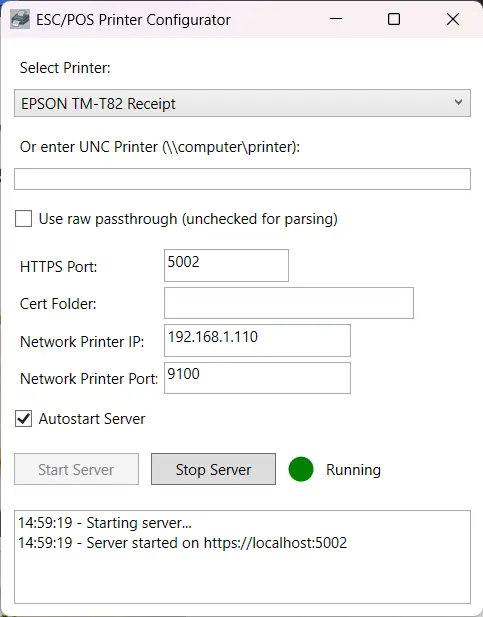
Easy to install
Simple windows installer process
01
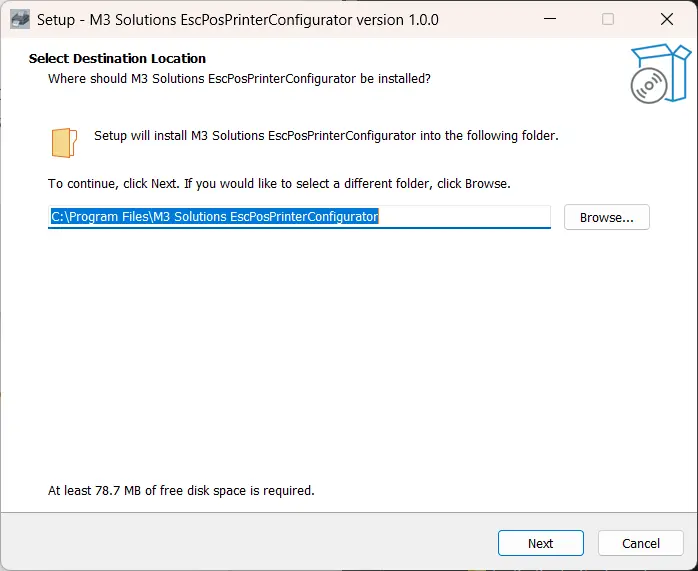
Set Install Directory
02
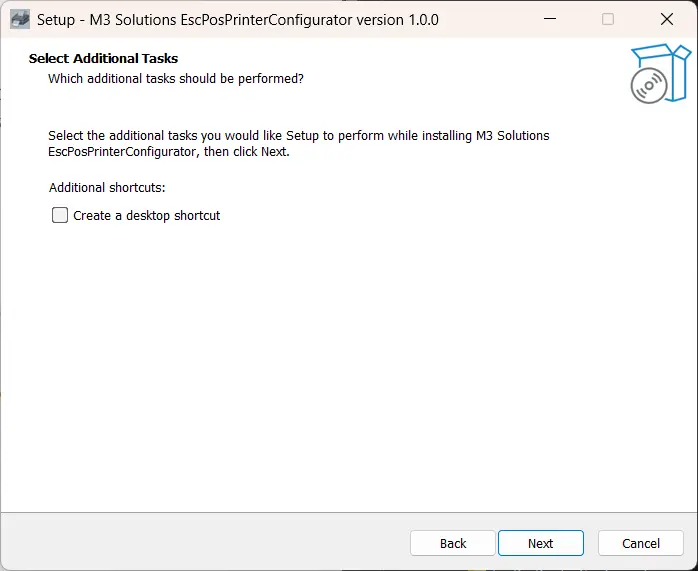
Create Desktop Shortcut
03
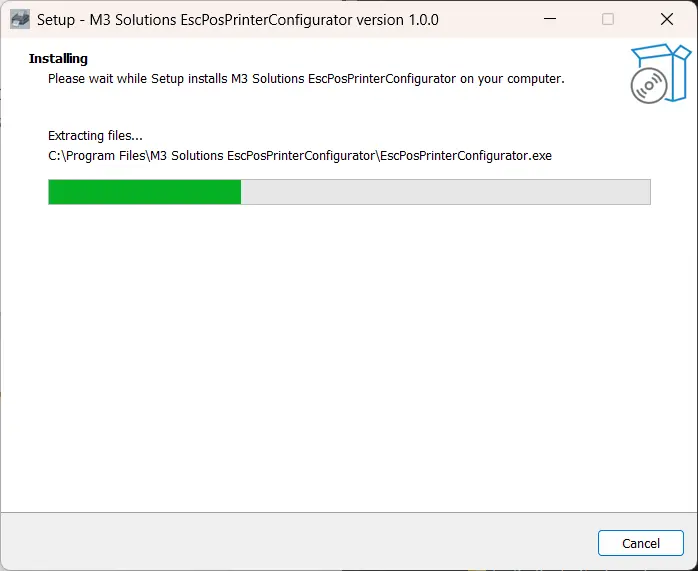
Installation
04
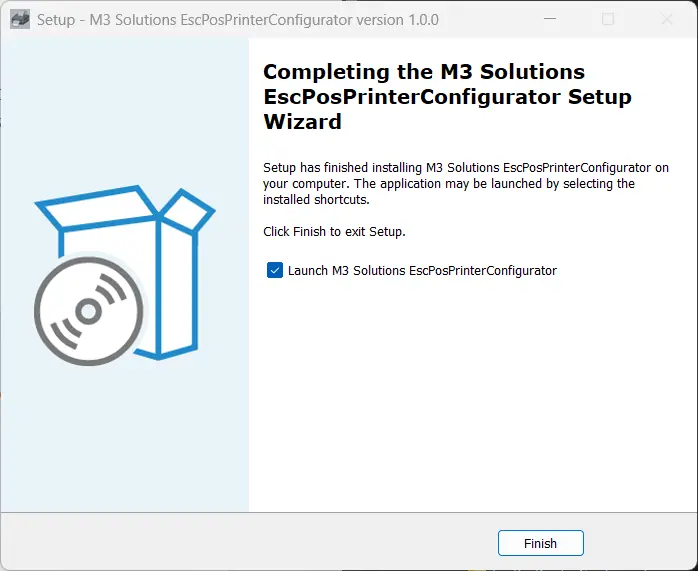
Completed and Launch!
" We had some old printers we were not ready to replace yet and did not want the long term costs of the IoT System "

Use your older ESC/POS printers with Odoo Today
Get started with our easy to use installer and configuration tool.